Why EPUB to PDF Changes the Shape of a Book
An EPUB does not contain the pages you see in a PDF. It contains a reading system that adapts to screen size, font settings, and margins. Converting it to PDF therefore creates a page design instead of simply exporting existing ones.
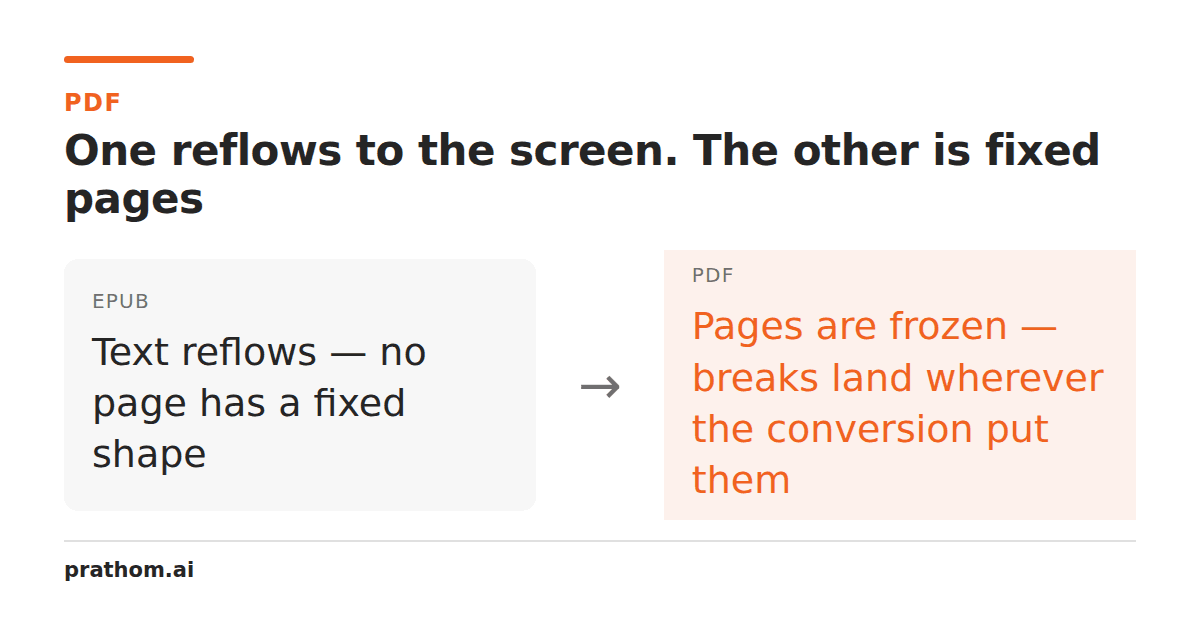
People often expect an EPUB to PDF conversion to preserve a book's pages. An EPUB usually has no fixed pages to preserve. It is a package of XHTML documents, stylesheets, images, fonts, navigation, and metadata intended to reflow as the reader changes the screen and text size. A PDF does the opposite: it freezes content into page-sized drawings.
That is why a converted book can have a different page count, different line breaks, and images in places that feel unfamiliar even when the words are all present. The converter is not moving one page stack into another. It is choosing a page shape and laying flexible content into it.
EPUB is a reading instruction set
An EPUB chapter may say that this is a heading, followed by a paragraph, followed by an image. It can define margins, font preferences, and rules for page breaks, but the final number of lines depends on the viewport and the selected typeface. A reader on a phone and a reader on a wide tablet are looking at the same source through different layouts.
An EPUB can also contain a table of contents that points at chapter files, not physical page numbers. A reader's page indicator may be an estimate based on reading progress. That value cannot simply become a PDF page number because it was never a fixed coordinate in the source.
What conversion has to decide
The EPUB to PDF convertermust choose a paper size, margins, fonts, line height, and rules for breaking chapters across pages. Those choices decide whether headings stay with the paragraph below them, whether a table fits, and whether an illustration is shrunk or pushed to the next page.
Images create another tradeoff. A cover designed for a portrait screen may be scaled to fit paper, while a diagram with small labels may need a larger page or may become difficult to read. Captions, footnotes, poetry, and block quotes all have different space requirements. A layout that looks fine for ordinary prose can fail on one unusual chapter.
The source may also include fonts or CSS features that the conversion environment cannot reproduce. If a font is missing, the replacement can change line lengths enough to move every later page break. If a web layout depends on a feature unavailable to the PDF renderer, the result may be structurally valid but visually different.
What to inspect in the output
Do not check only the first chapter. Open the cover, table of contents, a normal prose chapter, a chapter with a heading near the bottom, and the most image-heavy section. Check that chapter titles appear in the expected order and that the table of contents points to sensible locations.
Search for a sentence from the middle of the book. Then compare a few paragraphs against the source for missing text, duplicated lines, broken quotation marks, and unexpected hyphenation. If the book contains tables, poems, code, or footnotes, inspect those separately because their layout rules are less forgiving than ordinary paragraphs.
DRM is a separate issue from layout. A file that is protected or tied to a reading application may not be legally or technically convertible just because its filename ends in .epub. Only convert material you have the right to process, and do not treat a successful download as proof that restrictions were removed correctly.
When PDF is the wrong destination
PDF is a good destination when the next step needs a fixed page: printing, filing, submitting to a portal, or sending a document whose visual shape must not reflow. It is a poor destination when the reader needs adjustable type, a narrow screen, or accessibility features that depend on reflow.
If the source is a Kindle-family book, MOBI to PDFor AZW3 to PDFfaces the same fixed-page decision, plus format-specific metadata and DRM limitations. Keep the original ebook beside the PDF because the two files serve different reading jobs.
The best EPUB to PDF result is not the one with the smallest page count. It is the one whose typography remains readable, chapters are in order, images can be understood, and the final page shape suits the next person who will open it. Treat conversion as a new layout pass, then review the parts a reflowable book was never designed to make permanent.