How to Extract Email Addresses From Text
Pulling addresses out of a thread or an export is a five-second job with the right tool and a surprisingly deep rabbit hole if you try to do it properly with a regular expression. The specification for what counts as a valid address is much stranger than anyone expects.
You have a forwarded thread, a CSV dump, or a page of contact details, and you want the addresses out of it. The mechanics are easy. The two interesting parts are why you should not write the regex yourself, and where you paste the text.
Start with the privacy question
Email addresses are personal data. Under GDPR they are personal data even when they are just an address with no name attached, and pasting a client list into a random website is a disclosure to that website's operator.
Most free extractors post your text to a server. Some say so, most do not, and the ones that do not are not necessarily malicious — server-side processing is simply the easier way to build it.
The check that settles it takes ten seconds: open your browser's developer tools, switch to the Network tab, then paste and run. If your text appears in an outgoing request, it went to someone's server. If no request carries it, the processing is local and nothing left your machine.
Run that check on our own extract emailstool and you will see a request. We want to be exact about what that means, because this post used to claim the opposite.
Extraction moved onto our server in August 2026, to make it fast on large inputs and consistent with the browser extension. So your text does reach us. What happens to it there: it is matched against the same fixed patterns described below, the addresses are returned, and nothing is written to disk or to a database — the request is handled and forgotten. The tool page itself carries a "Server-side" badge rather than "Runs in browser", and says so before you paste anything.
That is a weaker guarantee than "it never left your machine", and we would rather name the difference than blur it. If your list is genuinely sensitive — a client roster, a breach dump you are triaging — the honest advice is to use something that runs locally, ours included only if you are willing to take the sentence above on trust. A verifiable property beats a policy; where we no longer have the verifiable property, we should not keep advertising it.
Why the "correct" regex is a trap
Search for an email validation regex and you will find candidates from twenty characters to several thousand. The long ones are attempts to implement RFC 5322, and RFC 5322 permits things nobody expects:
- Quoted local parts with spaces:
"john smith"@example.comis valid. - Comments in parentheses:
john(work)@example.comis valid. - Nested comments. The grammar is recursive, which means it cannot be matched by a regular expression at all in the formal sense.
- IP address literals:
john@[192.168.1.1]is valid.
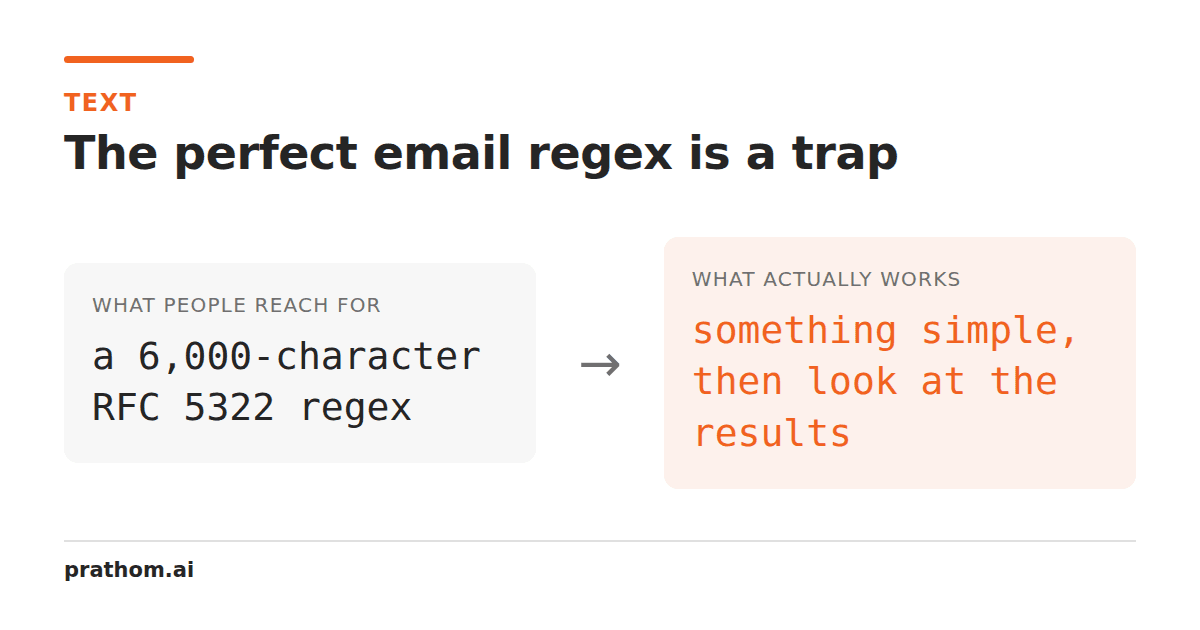
The fully compliant pattern exists, is about 6,000 characters long, and is the wrong tool for this job — because extraction and validation are different problems.
When extracting from prose, you want the pattern that finds real addresses people actually wrote, in the context of surrounding text. When validating a signup form, you want to send a confirmation email, because that is the only test that answers the question you actually care about — whether mail reaches a human. A regex cannot determine that no matter how long it is.
So a practical extractor uses a deliberately moderate pattern and then cleans up around the edges. That is a design choice, not a compromise.
The edge cases that matter in practice
Trailing punctuation. Write to [email protected].— the full stop belongs to the
sentence. A dot is legal in a domain, so the pattern happily consumes it and you get
an address with a trailing period. Any usable extractor strips sentence punctuation
from the end.
Angle brackets. Mail headers write Alice Chen <[email protected]>. The
brackets have to go, and the display name must not be captured.
Plus addressing. [email protected]is one address, and the +tag is
part of it. Stripping the tag changes where the mail goes.
Case. The domain is case-insensitive by specification, and in practice no provider
treats the local part as case-sensitive either. [email protected]and
[email protected]are one mailbox, so lowercasing before deduplicating is what stops
you emailing the same person twice — and that only works if deduplication happens
after normalization, which is a detail worth checking in whatever tool you use.
Multi-part TLDs. .co.uk, .com.au, .co.in. A pattern assuming one dot after
the domain truncates all of them.
Obfuscated addresses
Pages write jane [at] example [dot] orgto defeat scrapers. Reversing that is
useful and has one sharp edge: the substitution must only apply to delimited
markers.
The words "at" and "dot" appear in ordinary English constantly. A tool replacing bare
occurrences turns Reach me at jane example dot orginto something, and turns
sentences with the word "at" in them into nonsense. Only [at], (at), {at}and
similar are unambiguous enough to rewrite, which is why our tool handles those and
leaves bare words alone — the false-positive cost is much higher than the miss.
After extraction
Deduplicate, after lowercasing. A thread with five replies contains the same addresses five times. Remove duplicate linesdoes this while preserving order, which matters if the extraction order was meaningful.
Filter by domain when you want just one organization's contacts out of a mixed list.
Do not assume they are valid. An extracted address is a string that matched a pattern. It may be from 2011, it may be a typo, it may be a role account that bounces. Sending to an unverified list is how sender reputations get damaged.
The one you must not do
Scraping addresses to send unsolicited email is illegal in most jurisdictions — GDPR in Europe, CAN-SPAM in the US, and comparable rules elsewhere — and it is also ineffective, because scraped lists have high bounce rates and get sender domains blacklisted quickly.
Extraction is for lists you already have a relationship with: your own inbox, your own export, a thread you were part of. That is the legitimate case, and it is also the vast majority of why people need this.
If URLs are what you actually need out of the text, extract URLsis the same idea with a different set of edge cases — the interesting one there being balanced parentheses, since a Wikipedia link and a sentence-final bracket look identical to a naive pattern.
The short version
Use a moderate pattern and clean the edges rather than chasing RFC compliance. Lowercase before deduplicating. Verify locally by watching the Network tab. And only extract from lists you have a right to.