What a PDF Password Actually Costs, in Bytes and in Protection
Putting a password on a PDF costs almost nothing in size, which is the least interesting thing about it. The interesting part is that a PDF can carry two completely different kinds of password, and only one of them is protection.
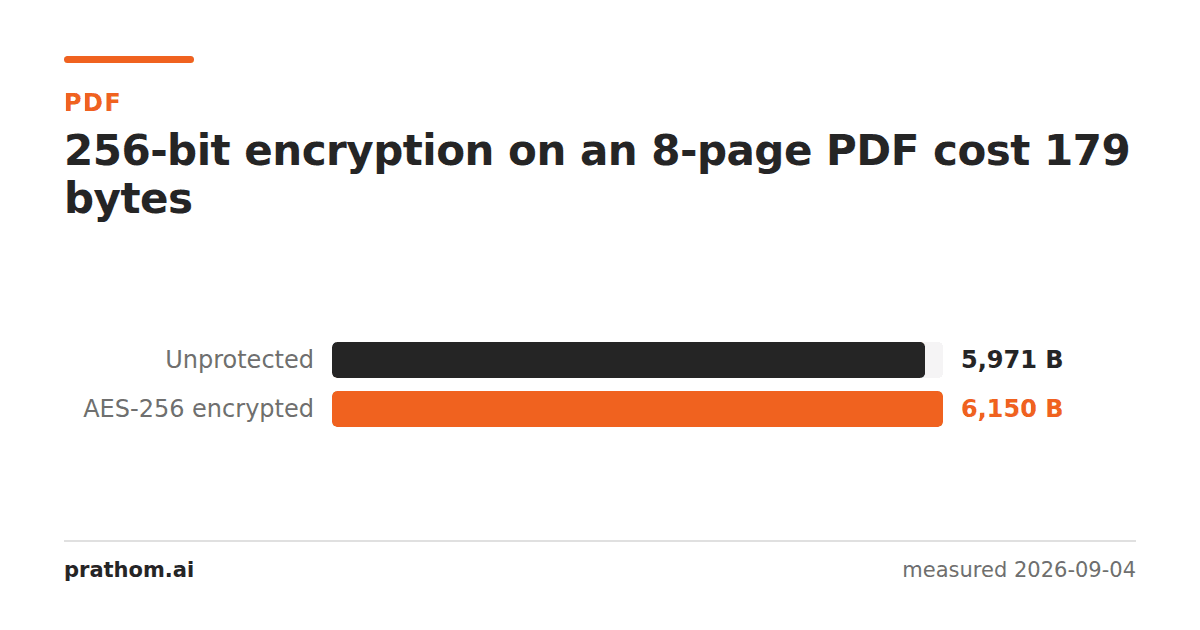
An eight-page PDF with AES-256 encryption applied:
| size | |
|---|---|
| unprotected | 5,971 B |
| AES-256 encrypted | 6,150 B |
A hundred and seventy-nine bytes, about 3%. The overhead is a small dictionary describing the encryption and a slight expansion of each encrypted object.
That is the whole size story, and it is the same on a six-kilobyte document and a sixty-megabyte one, because encryption transforms the content rather than adding to it. If you were putting off protecting a file because of what it might cost, it costs nothing worth thinking about.
The two passwords, and the difference that matters
A PDF can carry two separate passwords, and they are not two strengths of the same thing.
The user password — sometimes called the open password. Without it the file cannot be decrypted. The content is genuinely unreadable: it is ciphertext, and the only way through is the password.
The owner password — sometimes called the permissions password. The file opens for anyone, with no password at all. What the owner password does is set flags saying "printing not allowed", "copying not allowed", "editing not allowed", and viewers are asked to respect them.
Asked is the operative word. The flags are a request. The content is not protected by them, because the file has already been decrypted for display by the time anything reads them. Any tool that chooses not to honor the request simply does not, and plenty do not — that is what an unlock tool is.
So: a document with only an owner password is not encrypted against its reader. It is a document with a note attached asking for good behavior. If what you need is that a person who should not read the file cannot read it, that requires the user password, and nothing else in the format substitutes for it.
What a password does not do
It does not redact. This is the failure mode worth naming, because the two get confused in the same document: people put a password on a file whose confidential line is sitting in the text layer under a black rectangle, and consider it handled.
Those are different problems. Encryption controls who can open the file. Redaction controls what is inside it once opened. A colleague who is supposed to have the document — and therefore has the password — reads everything you thought you had covered. We measured how completely that fails: a line covered with a black box came back from all eight pagesof an otherwise-normal PDF.
It also does not remove metadata. The author name, the software, the creation date and often the original file path are in the document, and the person who can open it can read those too.
Telling the two apart in a file you have been sent
qpdf --show-encryption locked.pdf
It reports the encryption method and, crucially, whether a user password is required. If it opens and describes the permissions without asking you for anything, the document has an owner password only — the flags are set and the content is not protected from you.
That is worth checking before you rely on a document being confidential. It is also worth checking before you assume you are locked out: a file that will not let you print may not be a file you need a password for at all.
Choosing the password itself
The encryption here is AES-256, which is not the weak link. The weak link is always the password, and PDF passwords are typed by hand into a dialog and often shared in the same email as the file — which is the equivalent of taping the key to the door.
If the document genuinely matters, send the password by a different channel than the document. That single habit is worth more than any choice the format offers you.
The practical version
Protect PDFsets a password. Use a user password when the point is that the wrong person cannot read the file; understand that an owner-password-only file is a request rather than a lock.
Unlock PDFremoves protection from a file you have the right to — which, for owner-password documents, is mostly about getting a file you already own to print. It is the same asymmetry from the other side: the permissions password was never the part doing the protecting.
And before either: if the file has something in it that should not be there, take it out with the PDF redactor. A password on a document that leaks its own contents to whoever opens it is protection aimed at the wrong threat.