What Actually Happens When You Convert a File
Nothing is "turned into" anything. The original is taken apart into raw numbers, and a second program writes an entirely new file from those numbers in a different language. Almost everything people find surprising about converters follows from that one fact.
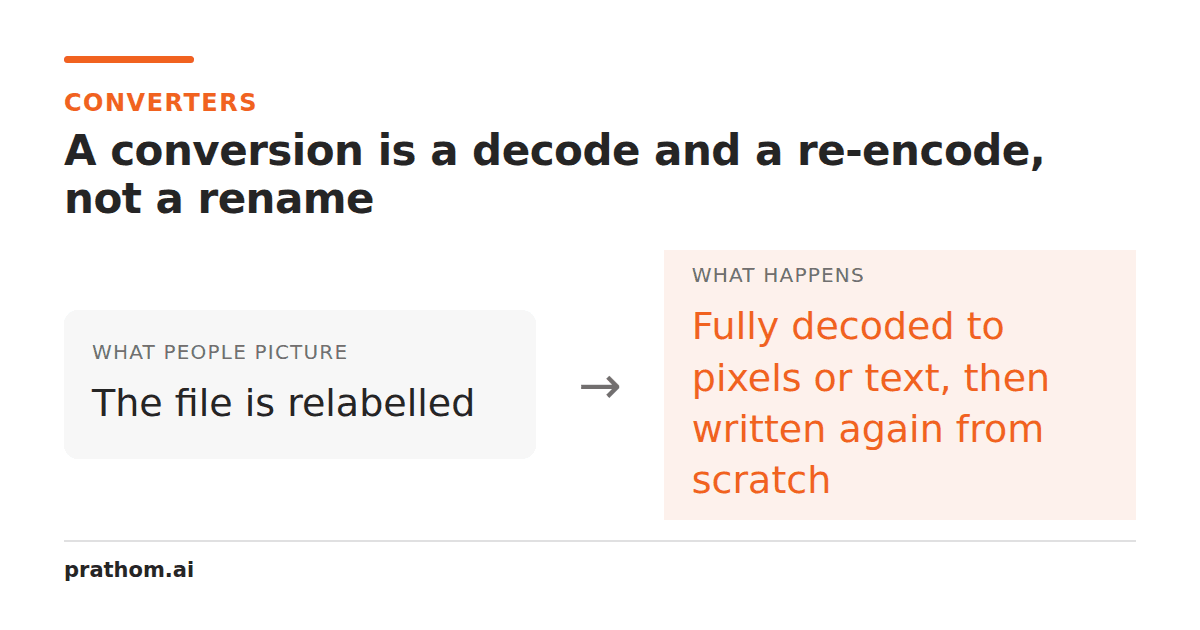
Rename photo.pngto photo.jpgand nothing happens. The file does not become a
JPEG. It becomes a PNG that lies about itself, and the next program to open it
either sees through the lie or refuses the file.
That failure is worth sitting with, because it points at what a real conversion does instead. A converter never edits the file you gave it. It reads that file until it has the raw content in memory — pixels, characters, page objects — and then hands those to a completely separate piece of code that writes a new file from scratch. Two programs, two steps, one thing passed between them.
The thing in the middle
For an image, the thing passed between them is a grid of numbers. Every pixel becomes a red, a green, a blue, and often an alpha value describing how transparent it is. That grid has no idea it came from a PNG. It has no compression, no color profile decisions, no format at all — it is just measurements.
That is why the second step has so much freedom, and so much responsibility. It receives measurements and has to decide how to describe them in a new language. Some of those languages cannot express everything the grid contains.
For a document the intermediate is messier but the shape is the same: text runs, styles, and positions, extracted from one container and rebuilt into another.
Where the loss actually lives
Almost nobody loses quality "during" a conversion. They lose it at the moment of writing, because the target format cannot hold what the intermediate had.
Transparency. The grid has an alpha channel. JPEG has no concept of one. So the encoder has to decide what a half-transparent pixel looks like when it must be fully opaque, and it composites the image onto some background color. Ours uses white, but the choice is arbitrary and other tools pick black — which is why the same transparent logo comes out of two converters looking like two different images.
Color count. GIF holds at most 256 colors per frame. A photograph has tens of thousands. The encoder picks a palette and approximates everything else, usually by dithering, which is why photographs converted to GIF look grainy in smooth areas like skies.
Layout. A PDF page is a set of glyphs at coordinates. Plain text has no coordinates. Converting one to the other means guessing where the lines and paragraphs were, and two columns of text often interleave into nonsense unless the extractor reconstructs reading order first.
None of these are bugs. Each is a format being asked to store something it was never designed to store.
Lossy, lossless, and the word that hides between them
A lossless format promises that decoding gives back exactly the numbers that were encoded. PNG is lossless. So are TIFF, BMP, and WebP in its lossless mode. JPEG and AVIF are lossy: they discard detail the eye is least likely to notice in exchange for a much smaller file.
Here is the part that trips people up. Lossless describes the format, not the conversion. Converting a JPEG to a PNGis a lossless write — the PNG stores exactly the pixels the JPEG decoded to. But those pixels already had JPEG's losses baked into them, permanently, at the moment the JPEG was made. The PNG preserves the damage perfectly. It does not undo it, and it never can.
This is why "convert it to PNG to improve the quality" is one of the most common pieces of bad advice on the internet. It produces a larger file containing exactly the same picture.
Why round trips do not come back
Convert a JPEG to PNG and back to JPEG, and the result is worse than the original, even though the middle step was lossless. The second JPEG encode throws away detail again — a slightly different set of detail, on an image that has already been thinned once. Do it ten times and you can see it: edges grow halos, flat areas grow blocks.
Photographers call this generation loss, and it is why the practical rule is to convert from the best original you still have, not from the last thing you converted. If you have the camera file, start there every time, even if that means redoing work.
Lossless-to-lossless round trips are genuinely safe. PNG to WebP to PNG returns the identical grid, because neither step is allowed to discard anything.
What this changes about how you use a converter
- Pick the target by what opens the file next, not by which format sounds highest quality. The best format is the one the destination handles well.
- Keep the original. It is the only copy that has not been through an encoder, and every future conversion is better started from it.
- Do not chain conversions looking for a better result. Each hop is another full decode and re-encode, and quality only ever moves one direction.
- Check the output, not the file size. A file appearing at the right path proves an encoder ran. It does not prove the encoder was given anything.
The last one matters more than it sounds. A converter can succeed, exit cleanly, and hand you a perfectly valid document with nothing in it — because the reading step failed quietly and the writing step faithfully wrote the nothing it was given. Open the result before you delete the source.