Interlacing a PNG Made It 27% Bigger and Did Not Help
PNG has an interlacing option that shows a rough version of the image while it loads, in the same spirit as progressive JPEG. Unlike progressive JPEG, it is reliably and substantially more expensive — and the preview it produces is worse. Here is what it cost on two very different images.
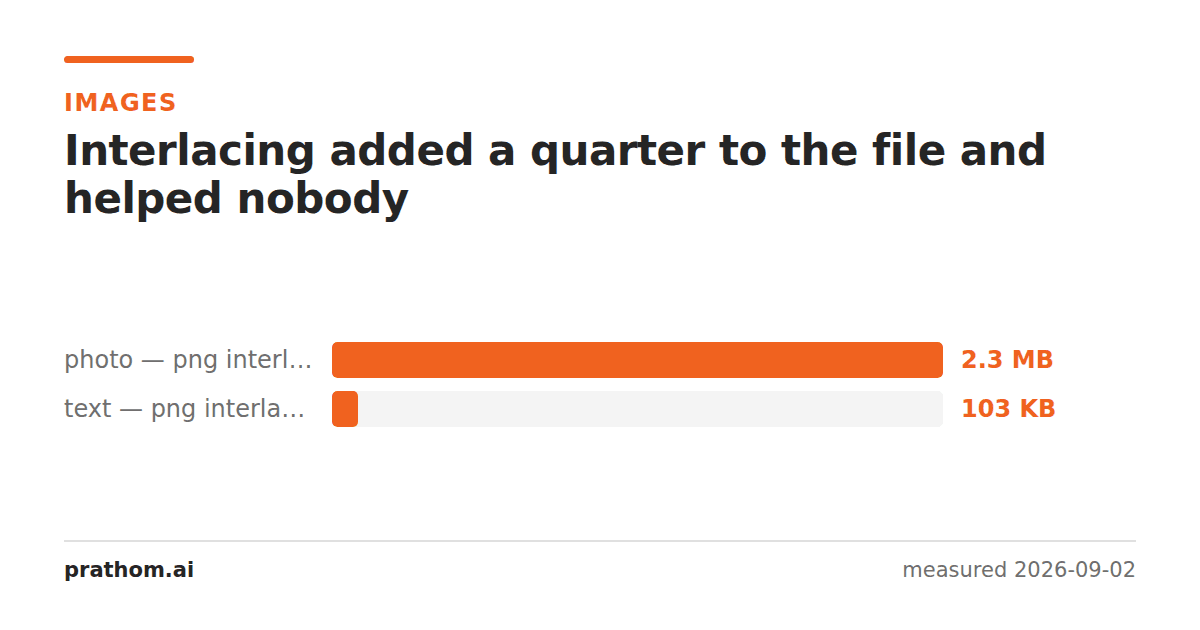
The same two images saved as PNG with and without Adam7 interlacing:
| image | normal | interlaced | change |
|---|---|---|---|
| photograph | 1,917,409 B | 2,440,926 B | +27% |
| page of text | 77,673 B | 105,314 B | +36% |
Both are lossless and both decode to identical pixels. The interlaced versions are larger for the same content, and unlike progressive JPEG— which was a wash on one image and a win on the other — this cost is consistent.
How Adam7 works, and why it costs
Interlaced PNG splits the image into seven passes on an 8×8 grid. The first pass carries one pixel in every 64. The second adds another. By the seventh, every pixel has been sent.
The problem is what this does to PNG's compression. PNG's efficiency comes almost entirely from row filtering: each row is predicted from the row above and from the pixel to the left, and the differences compress far better than the values.
Interlacing destroys the adjacency that prediction depends on. In pass one, the pixels being stored next to each other were eight pixels apart in the original, so the "pixel to the left" is not a good predictor at all. Every pass has this problem to some degree, and each pass also gets its own filter decisions and its own sub-image structure.
So the compressor is handed seven small, poorly-correlated images instead of one well-correlated one, and produces a bigger result. The 27% here is typical; on images with strong local correlation it can be worse.
The preview is also worse
The compensation is supposed to be the loading experience, and interlaced PNG is weak there too.
Progressive JPEG's first scan is a genuine low-frequency version of the image — a blurred but tonally correct picture. Adam7's first pass is one pixel in 64, displayed by replicating each into an 8×8 block. That is not a blur, it is a mosaic, and on any image with fine detail it looks like a mistake rather than a loading state. Text in particular is unreadable until quite late in the sequence.
Meanwhile the thing interlacing was invented for has largely gone away. In 1996 a 100 KB image over a 28.8k modem took half a minute and a preview was genuinely valuable. Today most PNGs are small, most connections deliver them in well under a second, and browsers render nothing until they have enough of the image regardless. The user experience being optimized for rarely occurs.
When it is still worth it
Very large PNGs over slow links. A 5 MB screenshot or a scanned map, delivered over a poor mobile connection, is one of the few cases where a viewer will sit looking at a partial image long enough for the preview to matter.
Environments where you cannot use a placeholder. Modern practice is to solve this outside the image entirely — a tiny blurred placeholder, a dominant-color block, or a low-quality preview swapped for the full image on load. All of those look better than Adam7 and none of them cost 27% of the payload. If you control the page, that is the better answer.
The general point about progressive rendering
Both interlacing and progressive encoding trade compression efficiency for the ability to render early. Whether that trade is worth making depends on three things that are all specific to your situation: how large the file is, how slow the connection is, and whether the partially-rendered result is useful to look at.
Progressive JPEG happens to land well on all three for photographs, because the files are large enough to matter, the first scan looks like the picture, and the size cost is near zero. Interlaced PNG lands badly on the third and expensively on the size, which is why it is off by default in essentially every tool and why turning it on is almost always a mistake.
magick input.png -interlace none normal.png
magick input.png -interlace PNG interlaced.png
ls -l normal.png interlaced.png
If you have an existing PNG and are not sure which it is, magick identify -verbose
reports the interlace setting. Files that arrived from a 2000s-era CMS are the ones
most likely to be carrying it without anyone having chosen it.