Stripping Camera, Lens and GPS Data Saved Eighteen Bytes
"Strip the metadata to make the file smaller" is advice that has been repeated for twenty years, and on the fields people actually worry about it is worth almost nothing. That does not make stripping pointless — it makes the reason for doing it a different one.
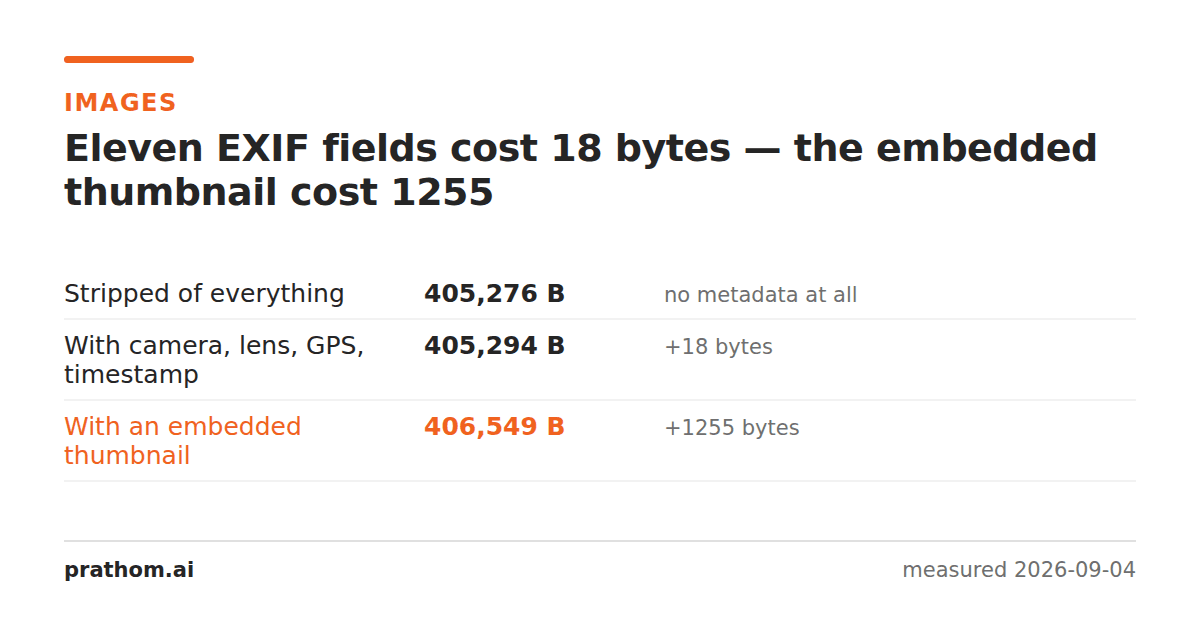
The same photograph, saved three ways:
| size | added | |
|---|---|---|
| stripped of everything | 405,276 B | — |
| with camera, lens, GPS, exposure and timestamp | 405,294 B | 18 B |
| with an embedded thumbnail as well | 406,549 B | 1,255 B |
Eleven EXIF fields — including the coordinates of where the picture was taken — cost eighteen bytes. Four thousandths of one per cent of the file.
Why the fields are so cheap
EXIF text fields are short. Prathom Phone Cois sixteen characters. An exposure
time is stored as two integers. A GPS position is six. Each has a small tag
header, and the whole block is a few dozen bytes.
The number that surprises people is the proportion, not the size: a photograph is hundreds of kilobytes of compressed pixel data, and a few dozen bytes against that is nothing at all.
Where the metadata weight actually is
The thumbnail. Most cameras and phones embed a small JPEG preview so a file browser can show the picture without decoding the full image, and that preview is a real image with real cost — 1,255 bytes here, and on a phone photo commonly several kilobytes to tens of kilobytes.
There is a second reason the thumbnail matters more than its size. It is not always regenerated when the image is edited. Crop a face out of a photograph and the embedded thumbnail may still show the original framing — including the part you removed. That has leaked more than once, and it is a far better argument for stripping than any number of bytes.
So why strip metadata
Location. A photo taken at home carries the coordinates of your home. This is the one that matters, and it is the reason to strip by default before publishing anything.
Identity and equipment. Camera serial numbers, owner names and software versions are all fields that exist and get filled in.
Timestamps. When a picture was taken is often more than you meant to say.
The stale thumbnail, as above.
None of those are size arguments. What survives a conversion — and what silently does not — is measured separately, and it is worth knowing that some conversions strip metadata for you and some carry it faithfully into the new file.
What stripping does not fix
It does not remove anything from the image itself. A reflection in a window, a street sign, a screen in the background — those are pixels, and metadata stripping does not touch pixels.
Nor does it apply to other formats automatically. A PDF made from photographs carries its own document metadata: author, creation date, and often the full path of the folder it was written from. That needs its own pass.
Check what a photo is carrying
magick identify -verbose photo.jpg | grep -i "exif:"
That lists every tag in the file. Look for exif:GPSLatitude,
exif:DateTimeOriginaland anything naming a person or a device — those are the
fields worth removing, and none of them is why the file is large.
To see whether a thumbnail is embedded, the size of the metadata segment is the tell: a few hundred bytes is text fields only, and several kilobytes means there is an image in there too.
What social platforms already do
Most large platforms strip EXIF on upload, which is often given as a reason not to bother. It is not a good one, for two reasons.
The first is that "most" is not "all", and the exceptions are the smaller services and any direct file transfer — email, a chat app that sends the original, a file dropped into a shared folder.
The second is that stripping on upload does not help with the copy you keep, share directly, or send to a client. The habit worth having is stripping before the file leaves your machine, not relying on wherever it lands to do it.
The practical version
EXIF removerstrips the block. Do it because of the coordinates, not because of the bytes — and if you are stripping to save space, the honest answer is that compressing the imageis where the file size actually lives.
A final note on when not to strip. Metadata is genuinely useful on photographs you are keeping: the timestamp is how a library sorts them, the camera and lens are how a photographer learns what worked, and the coordinates are how a map view exists at all. The habit worth building is stripping on the way OUT rather than on the way in — keep it in your own copies and remove it from the ones you publish.