Cropping a JPEG Re-Encodes the Part You Kept
Cropping feels subtractive — you are taking pixels away, not changing them — so the part you keep should arrive untouched. In a JPEG it usually does not, and the reason is the same one that makes rotation lossy.
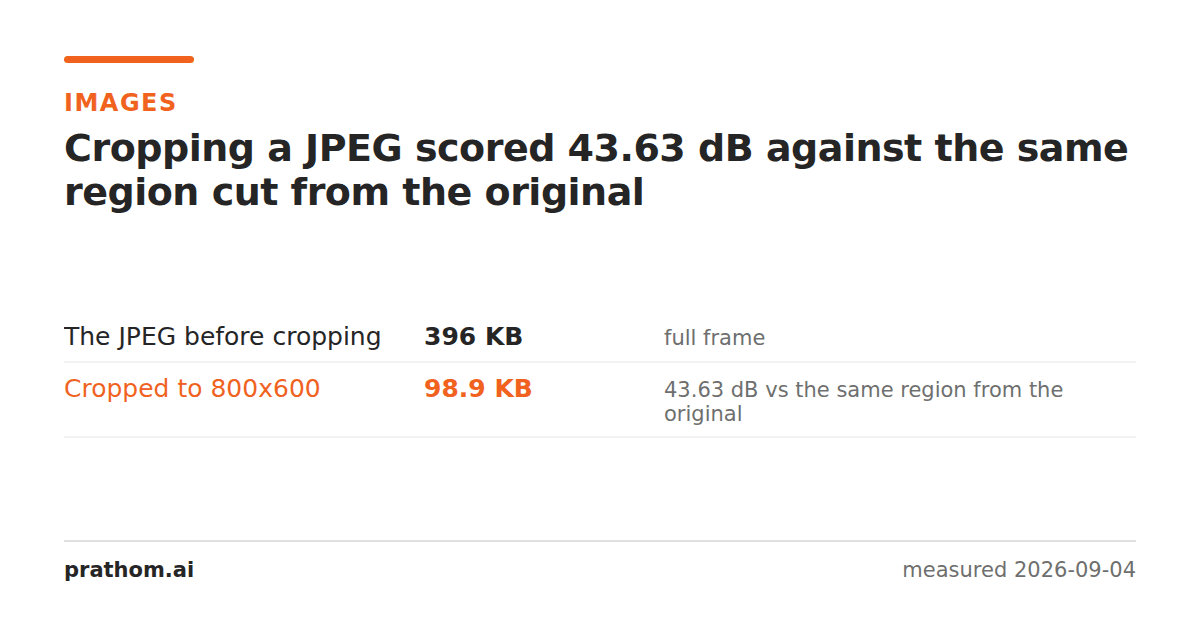
An 800×600 region cut out of a JPEG, compared against the identical region cut out of the uncompressed original:
| the JPEG before cropping | 405,276 B |
| the cropped region | 101,253 B, 43.63 dB |
43.63 dB is a second generation of JPEG loss on pixels that were never edited.
Why a crop is not free
A JPEG stores 8×8 blocks of frequency coefficients, not pixels. A crop to an arbitrary rectangle almost never lands on block boundaries, so the encoder cannot simply keep some blocks and discard the rest — the new image's grid is offset from the old one.
So the tool decodes the picture, cuts the rectangle out of the pixels, and encodes again. That second encode is a fresh quantization pass, and it is where the 43.63 dB comes from.
This is the same mechanism as rotating a JPEG, and the comparison is instructive: a ninety-degree rotation can be done on the compressed data, because it maps blocks onto blocks. A crop generally cannot, because it moves the grid.
The exception
A crop to a multiple of the block size, at a multiple of the block size can be done losslessly, and dedicated tools will do it. In practice that means cropping at multiples of 8 or 16 pixels in both position and size — which is a real constraint when you are framing a picture by eye, and no constraint at all when you are cutting a fixed region programmatically.
If a tool offers "lossless crop" it is doing this, and it will quietly adjust your rectangle by a few pixels to make it fit. That is the trade: a slightly different crop, or a slightly worse image.
What this means in practice
Crop once, from the original. Every crop is a generation. Cropping a cropped JPEG is two, and the third and fourth are where it starts to show — the same accumulation measured in re-saving a JPEG twenty times.
Crop before you compress, not after. If the workflow is going to reduce quality anyway, do the crop while the source is still lossless and let the single compression pass be the last step.
PNG, WebP lossless and TIFF are unaffected. They store pixels, so a crop removes pixels and nothing is approximated. If you are working on a graphic or a screenshot, none of this applies.
Check what a crop cost you
magick compare -metric PSNR original-region.png cropped.jpg null:
The comparison has to be against the same region of the ORIGINAL, not against the uncropped JPEG — comparing different areas of a picture measures the picture, not the crop. Anything above about 45 dB is a mild pass; the 43.63 dB measured here is a normal single generation at quality 90.
Where the loss compounds fastest
The worst pattern is cropping to a small region of a large photograph, because the pixels you keep get enlarged relative to the frame when they are finally displayed. A JPEG artifact that was invisible at full size becomes a visible smudge once you are looking at a tenth of the picture at the same screen size.
That is the case for going back to the original rather than the JPEG you were sent. If you have both, the crop from the raw file is a first generation and the crop from the JPEG is a second — and the difference is most visible in exactly the situation where you are cropping tightly.
The practical version
Image cropcuts a rectangle and circle cropcuts a round one — which necessarily produces transparency, so it also means leaving JPEG behind for a format that has an alpha channel.
Keep the uncropped original. It is the same rule that every lossy-format problem ends at, and the reason is always this one: the file you have after an edit is not the file you had before it.
One consequence worth planning around: a crop is a good moment to change format. If the cropped result is going to be edited further, saving it as PNG stops the generations accumulating from here on, at the cost of a larger file. If it is final, a JPEG is right and this was its second generation. What you want to avoid is the middle case — a JPEG that will be cropped again next week.