JPEG Compression Made No Difference to OCR Accuracy At All
Scanning guides tell you to save as TIFF or PNG because JPEG artifacts confuse OCR. It sounds obviously right — lossy compression smears exactly the hard edges that letter recognition depends on. We measured it across a wide range of quality settings and found no difference whatsoever, which changes the storage arithmetic for anyone digitising a lot of paper.
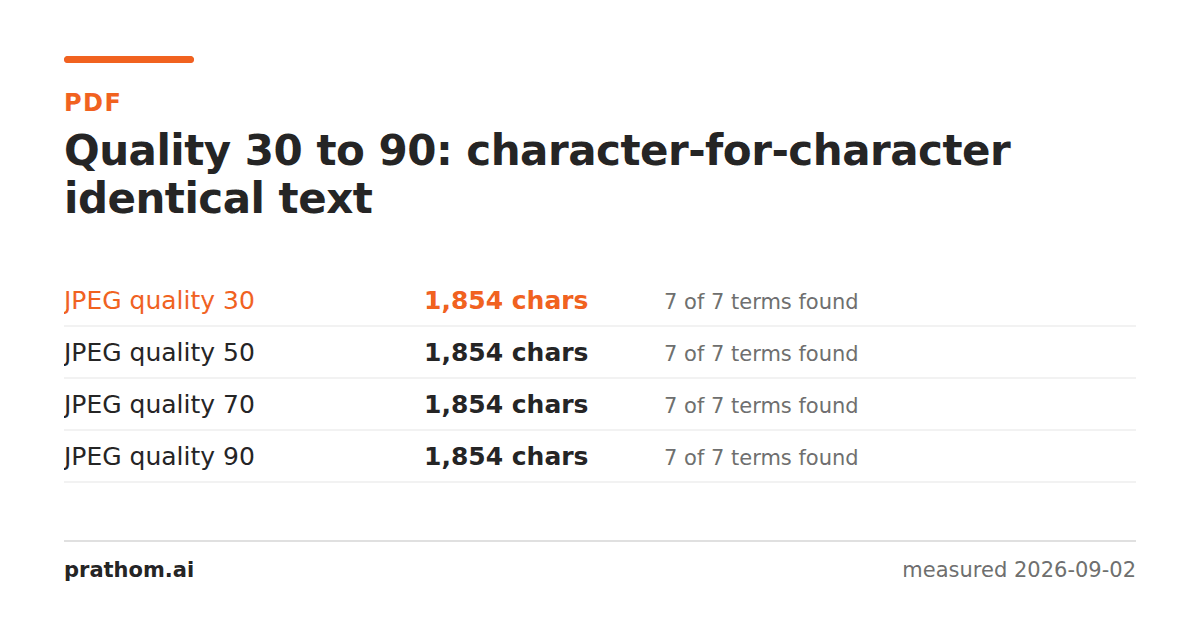
The same page of text, saved as JPEG at four quality settings and passed through Tesseract:
| JPEG quality | characters read | key words found |
|---|---|---|
| 30 | 1,854 | 7 of 7 |
| 50 | 1,854 | 7 of 7 |
| 70 | 1,854 | 7 of 7 |
| 90 | 1,854 | 7 of 7 |
Identical. Not similar — the same character count and the same recognized vocabulary at every setting, including quality 30, which is low enough that the ringing around each letter is plainly visible if you zoom in.
For comparison, the same page as a lossless PNG produced 1,854 characters too. The compression cost nothing measurable.
Why the intuition is wrong
The reasoning behind the advice is sound as far as it goes. JPEG discards high-frequency detail, letter edges are high-frequency detail, therefore JPEG damages letters. All three steps are true.
What the argument misses is what the OCR engine does first. Before recognizing anything, it binarises the page — converts every pixel to pure black or pure white by comparing it against a threshold. That step throws away far more information than JPEG did, and it throws away exactly the kind of information JPEG damaged.
A letter edge in the original might run 0, 40, 120, 200, 255 across five pixels. The JPEG version might make it 0, 55, 110, 195, 255 with a little overshoot. After binarisation both become 0, 0, 255, 255, 255. The artifact was real and it was removed by the next step.
This holds while the artifacts stay small relative to the threshold. Push the quality low enough, or the type small enough, and the ringing starts crossing the threshold — which is where the accuracy would finally fall. On ordinary body text at quality 30 it had not started.
What this changes
Mostly storage, and it is not a small amount. For anyone digitising a large archive:
- The same page as lossless PNG: 77,673 bytes.
- As JPEG quality 70: 211,376 bytes on this particular grayscale render — larger, because JPEG is bigger than PNG on text.
- As JPEG quality 70 on a color photograph of a page, which is what a phone or a color scanner actually produces: a fraction of the lossless size.
That last case is the real one. Nobody scans to a clean synthetic grayscale render; they scan to a color or grayscale photograph of paper, complete with paper texture, lighting gradient and scanner noise. That content is continuous-tone, JPEG handles it well, and the lossless alternative is genuinely enormous.
So the honest version of the advice is: the format choice for scans is governed by what the page looks like, not by the fact that OCR is involved. A photograph of paper compresses like a photograph.
What still matters more
Everything measured here says compression is not your problem. Three things are:
Resolution. Below about 150 DPI the accuracy collapses, and at 96 DPI the engine returns confident nonsense rather than failing. That cliff is far steeper than anything JPEG quality does.
Contrast and lighting. Uneven illumination breaks binarisation, which is the step that was rescuing you from the JPEG artifacts. A shadow across half the page does more damage than quality 30 ever did.
Skew. Line segmentation assumes horizontal baselines.
If you are choosing where to spend effort on a scanning setup, those three are where it goes.
The one case to keep lossless
Archival masters. If the scan is the only remaining copy of the document, the question is not what today's OCR engine needs — it is what a better engine in ten years might extract, or what a human might need to read from a difficult page. Keep the master lossless and generate compressed derivatives for processing.
That is a records-management argument rather than an accuracy one, and it is worth separating from the technical claim, because the two get merged into "always scan lossless for OCR" and only one half of that survives measurement.
Testing your own material
magick page.png -quality 30 low.jpg
magick page.png -quality 90 high.jpg
tesseract low.jpg stdout > a.txt
tesseract high.jpg stdout > b.txt
diff a.txt b.txt
An empty diff means the compression cost you nothing on that page. Run it on your worst page rather than your best one — the answer changes with small type and poor contrast, and your worst page is where it will change first.