Why a Ten-Page Scan Is 40 MB and a Hundred-Page Report Is 400 KB
Two PDFs that look almost identical on screen can differ in size by a factor of a hundred, and the reason is not compression settings. One of them contains text and the other contains photographs of text. Almost every confusing thing about PDFs — why search fails, why compression barely helps, why the file is enormous — follows from which kind you have.
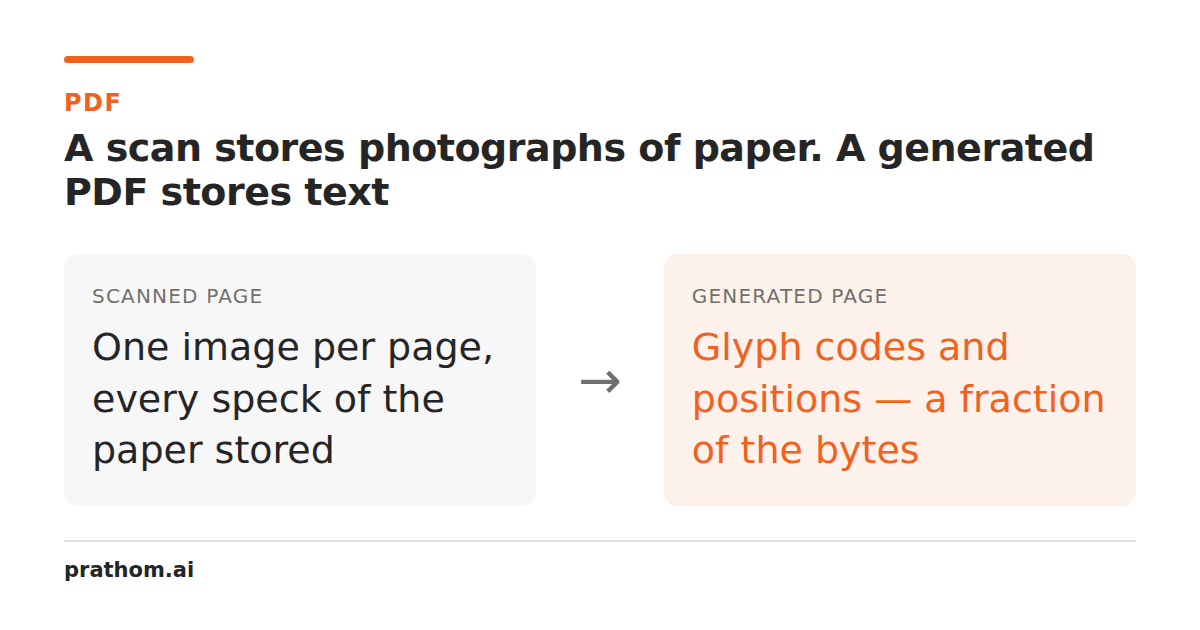
A two-page PDF made from 300 DPI images of a photograph and a page of text came to 5,001,185 bytes — two and a half megabytes a page. A hundred-page text-based report routinely comes in under 500 KB, or 5 KB a page.
Both are PDFs. They contain completely different things.
The two kinds of PDF
A generated PDF — exported from a word processor, a browser, a reporting tool — stores text as text. Each page is a list of drawing instructions: place this glyph from this font at this position. A page of prose is a few kilobytes, because the font is embedded once for the whole document and the page itself is just coordinates.
A scanned PDF stores an image of each page. There is no text in it, only pixels. At 300 DPI an A4 page is about 2,480 × 3,508 pixels, and even compressed as JPEG that is hundreds of kilobytes to a few megabytes per page depending on the content and the color mode.
The ratio between them is not a compression difference. It is the difference between storing "the letter A at position 72,140 in Times" and storing eight million pixels that happen to look like a page.
Everything else follows from this
Search does not work. Ctrl-F finds nothing in a scanned PDF because there is nothing to find. The words are shapes.
Copy-paste does not work, for the same reason.
Compression barely helps in the ways you expect. Ghostscript's presets act on images, so they do a great deal to a scan and almost nothing to a generated PDF. This is the right way round, and it means people apply compression to the file where it helps and are then surprised when it does not help the other one.
Screen readers cannot read it. A scan is inaccessible in the strict sense: there is no text for assistive technology to speak.
The file grows with scanner settings, not with content. A blank page scanned in color at 600 DPI is larger than a dense page scanned in grayscale at 200.
Telling them apart in one command
pdftotext document.pdf - | wc -w
A generated PDF returns thousands of words. A scan returns zero, or a handful from a cover page that was generated. There is no ambiguity.
Some PDFs are both: a generated document with a scanned appendix, or a scan that has had OCR applied. The second is the useful hybrid — the page image is kept for appearance and an invisible text layer is added behind it, so it looks like a scan and searches like a document.
Making a scan smaller
If the file is a scan, the levers are all about the images.
Scan in the right mode. A black-and-white document scanned in color is three times the data for no benefit. Grayscale is usually the right compromise; pure bitonal is smallest and unforgiving of poor originals.
Do not exceed the resolution you need. 150 DPI is enough for OCR on ordinary textand 300 is a safe general default. 600 DPI quadruples the data over 300 and is only worth it for fine print or archival masters.
Compress with a preset that keeps enough resolution. /printerkept full
resolution at 7% of the original in our test, which is a better trade than the
/ebookpreset most guides recommend.
Add OCR rather than replacing the image. This makes the file slightly larger and makes it searchable, which is usually the actual goal when somebody asks for a scanned PDF to be "fixed".
Making a generated PDF smaller
Different problem, different levers. If a text-based PDF is large, the cause is almost always one of:
- Embedded fonts that were not subsetted — full font families are megabytes.
- Images placed at higher resolution than they are displayed — a 4000-pixel-wide photograph shown two inches wide.
- Incremental save history, where every edit appended a new revision.
- Attachments carried inside the file.
None of those respond to image downsampling, which is why running a compression tool over a large generated PDF often changes almost nothing and leaves people concluding the tool is broken.