Zipping 500 Tiny Files Made the Archive Bigger Than the Files
A zip is supposed to make things smaller, and on a folder of many small files it can do the opposite. Each entry carries its own header, its own directory record and its own compression stream, and below a certain file size that bookkeeping is bigger than the file.
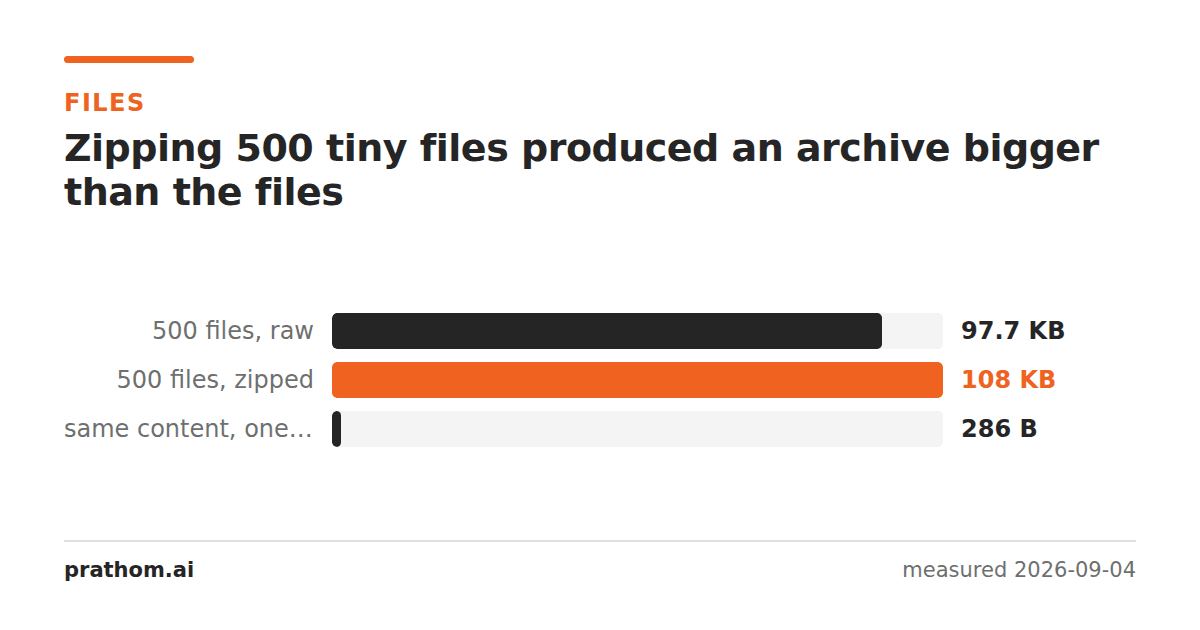
Five hundred files, two hundred bytes each — identical content, so as compressible as data gets:
| size | |
|---|---|
| the 500 files, raw | 100,000 B |
| the 500 files, zipped | 110,994 B |
| the same content as one file, zipped | 286 B |
The archive is eleven per cent larger than the data it contains. The same bytes in a single file compress by a factor of three hundred and fifty.
The 221 bytes
Divide the difference and each entry costs about 221 bytes of pure bookkeeping:
- a local header before the data, holding the name, the timestamps, the compression method and the checksum,
- a central directory record at the end of the archive, repeating most of it so a reader can list the contents without scanning the whole file,
- and the compression stream itself, which has a small fixed cost to start and finish.
Two hundred bytes of content cannot absorb two hundred and twenty-one bytes of overhead. The archive grows.
Why one file compresses so much better
The single file is the same 200 bytes repeated five hundred times, and a compressor sees that instantly: after the first copy, every subsequent one is a short reference. 286 bytes.
Zipped as separate entries, the compressor starts again for each file. It never learns that file 2 is identical to file 1, because they are in different streams. Every one of the five hundred is compressed from scratch, from nothing.
That is the general rule and it is worth carrying: a zip compresses each file
independently. Similarity between files buys you nothing. This is why a folder
of near-identical documents zips far worse than intuition suggests, and why
formats that compress the whole archive as one stream — .tar.gzand friends —
do so much better on exactly that case.
What to do about it
Combine before compressing. If the files are going to be read as a set anyway, joining them first is where the saving is. A hundred CSVs concatenated and then zipped will beat a hundred zipped CSVs by a wide margin.
Use tar.gz for many similar files. It archives first and compresses the whole thing as one stream, so the second copy of a repeated pattern costs a reference rather than a fresh start.
Do not zip a single already-compressed file. A JPEG, an MP4, a PNG or a
.docxis already deflated; zipping it adds the header and saves nothing. We
measured the same effect from the other direction — gzip cannot shrink an
already-compressed payload, and the
archive overhead is then all you have added.
Check it on a folder you have
du -sb folder/
zip -q -9 -r out.zip folder/ && ls -l out.zip
Compare the two. If the archive is close to or above the folder's size, the folder is full of small files and the overhead is dominating. The rough threshold is a few hundred bytes per file — below that, an entry costs more than it stores.
For a comparison against the archive-then-compress approach:
tar czf out.tar.gz folder/ && ls -l out.tar.gz
On many similar small files that number is often a fraction of the zip, and the difference is entirely the shared compression stream.
Why zip works this way
It is not an oversight. Compressing each entry independently is what lets a reader extract one file from the middle of an archive without reading the rest — open the central directory, seek to the offset, decompress one stream. That is why you can preview a single file inside a zip instantly, and why a corrupted region damages one entry rather than everything after it.
tar.gzgives that up for compression ratio: it is one continuous stream, so
reaching the last file means decompressing everything before it. Neither is
better; they are answers to different questions, and the file sizes are the
visible edge of that choice.
The practical version
The rule of thumb: zip is for grouping, not for shrinking. If the goal is one file to attach to an email, a zip is exactly right whatever it does to the size. If the goal is fewer bytes, look at what is in the folder first.
If you are splitting something into many pieces, CSV splitterand split PDFwill do it — and the sum of the parts is reliably larger than the whole, for the same per-item reason measured here.